Clip It

Snippity snip!
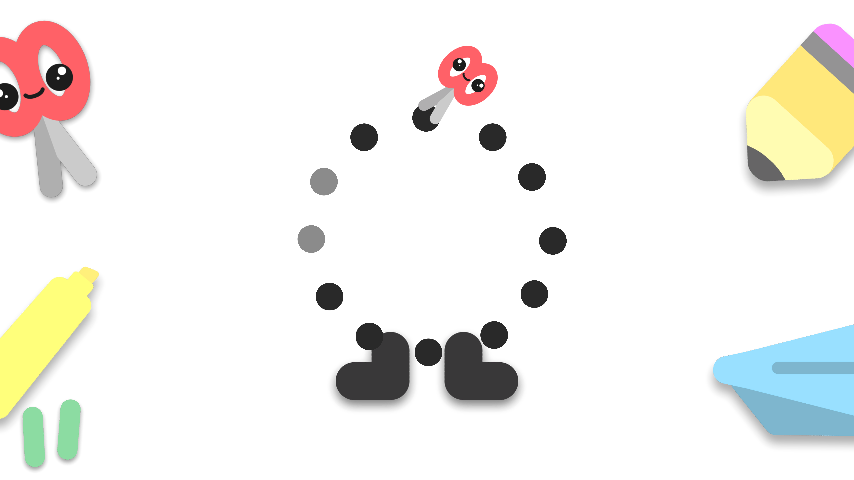
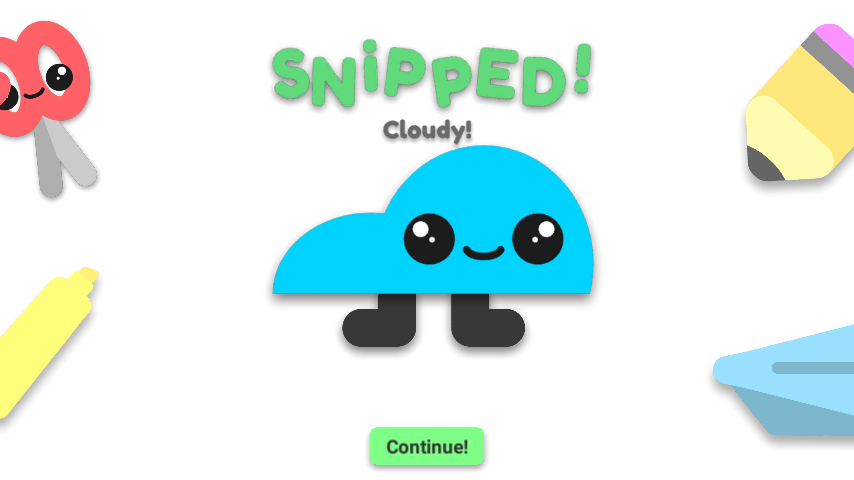
Tap dots in the correct order, and reveal cute, paperlike characters in a paper desk setting! Reveal Cloudy, Chippy, and other foes along the way, and there's a special character in the very last level of the game! Your trusty, rounded scissors will do the job really well in the world of adorably paper-thin cuteness in Clip It, the cutest dot puzzle.
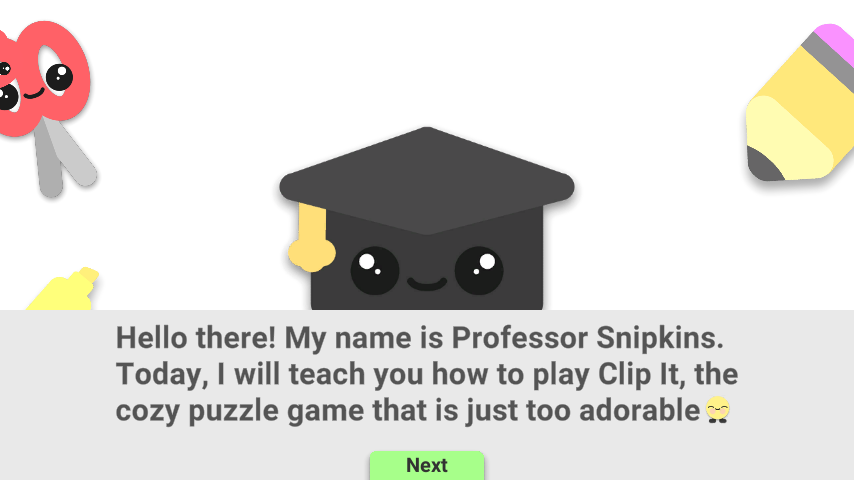
Start the adventure with Professor Snipkins, who's going to teach you how to play the game, right after a dot-forming situation in the rocket ship. He tells you that clicking dots in the incorrect order leads to a mis-snip, where you retry the level.
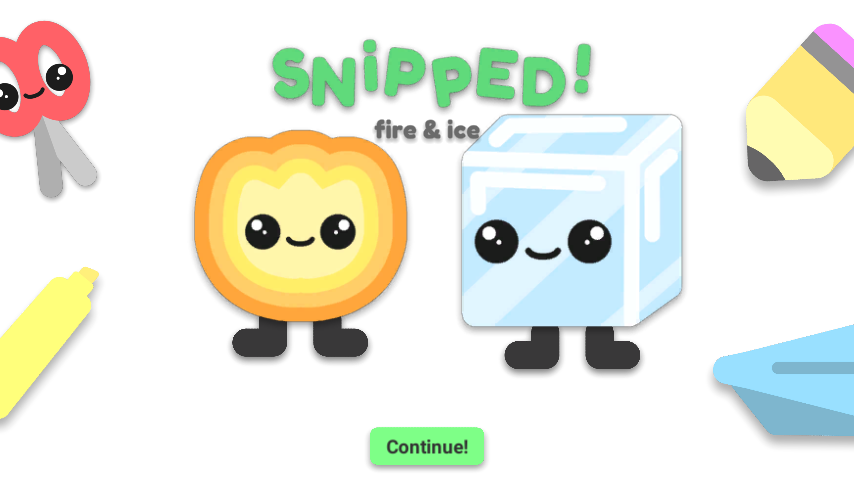
Be sure there's twin levels in Clip It as well, with two buddies in the same level! Both characters need to be clipped in order to pass the level, so be sure to clip 'em both!
🎮 Controls
This game works with a mouse and is very touch-friendly.
⏰ Play Time
To complete all 50 levels, it takes around 10-15 minutes to get to the last character.
Have fun, and enjoy snipping!
Download
Install instructions
🪟 Windows
1. Download and extract the zip file
2. Open the folder
3. Double-click Clip It.exe
4. Begin snipping
🐧 Linux
1. Download and extract the Linux zip file
2. Open the folder
3. Right-click ClipIt.x86_64
4. Click Properties
5. Go to the Permissions tab
6. Check: “Allow executing file as program”
7. Close the window
8. Double-click the file to play 🎮
🍎 macOS
1. Download and extract the zip file
2. Open the folder
3. Double-click Clip It.app
4. Begin snipping
❓ macOS Notes
If Gatekeeper shows an unknown warning (this is normal for indie games!):
- Right click (or control+click) the .app > Open > Open anyway
- Or System Settings > Privacy & Security > Open anyway (Sequoia+)
You might have to open a terminal and do "chmod +x ", drag the .app into the terminal window, add "/Contents/MacOS/Clip\ It", then press Return.
If the app says it's damaged:
- Open a terminal and type "xattr -dr com.apple.quarantine " then drag the .app into the terminal window, then press Return.
This .app runs on both Intel and Silicon Mac's, which means no Rosetta 2 is needed to play!
Also drag the .app to your Applications folder for easy access from the launchpad!